Employees often lose time searching through email attachments, duplicate files and unstructured shared folders.
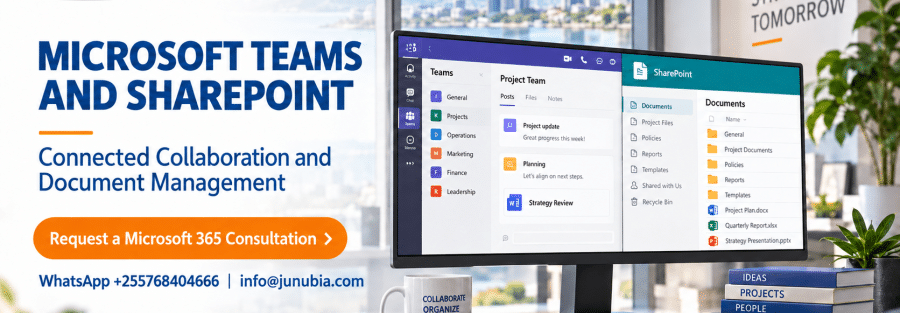
Microsoft Teams and SharePoint work together to support communication, teamwork, file storage and controlled document collaboration within Microsoft 365.
How the services work together
- Teams provides conversations, meetings and collaboration spaces
- SharePoint provides sites, document libraries and file storage
- Files shared in Teams channels are stored in connected SharePoint locations
- Permissions can follow teams, groups and channel structures
- Employees can collaborate on current versions instead of exchanging duplicate attachments
What should be planned before implementation?
- Department, project and committee structures
- Document ownership and access permissions
- External sharing requirements
- File naming, retention and lifecycle rules
- Migration from shared drives or existing repositories
- User training, governance and ongoing administration
Junubia Host can help design a Teams and SharePoint structure that reflects how your organization actually works and manages documents.