
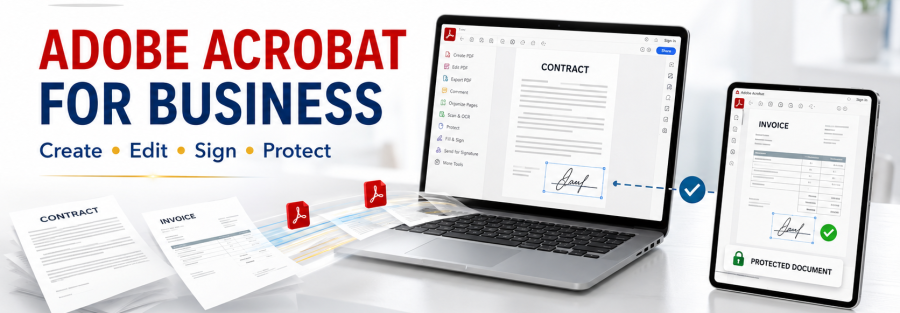
In many small and medium businesses across East Africa, a purchase request still travels on paper: printed, signed by a manager, scanned, emailed, printed again for finance, and filed in a cabinet. When a manager is travelling, everything waits. Documents get lost, and nobody can say where an approval is stuck. Adobe Acrobat and Adobe Acrobat Sign let you do the same work digitally, from any computer or phone.
What Changes When You Go Digital
- Managers approve from their phone, wherever they are
- Every document shows who signed, when, and in what order
- Signed copies are stored automatically and can be found in seconds
- No more printing, scanning and couriers between offices
- Customers and suppliers can sign contracts without visiting you
The Tools
Adobe Acrobat Pro
Acrobat Pro creates, edits, combines and protects PDFs. Staff can turn Word or Excel files into PDFs, fill in forms, add comments, redact sensitive information and password-protect files before sending them.
Adobe Acrobat Sign
Acrobat Sign sends documents for electronic signature. You decide the order of signers, add reminders and receive the completed document with a full record of every step. Signers do not need an Adobe account.
Where to Start
Pick one process that hurts
Choose a single process that is slow and frequent: purchase requests, leave forms, supplier contracts or customer onboarding. Getting one process right builds confidence for the rest.
Turn the form into a template
Convert the paper form into a fillable PDF or an Acrobat Sign template with fixed signer roles, for example requester, line manager and finance. Each new request then follows the same path.
Agree where signed documents are stored
Decide where completed documents go, such as a SharePoint or OneDrive folder, so anyone with permission can find them later.
Train the team in one short session
Most staff learn to sign and send documents in under an hour. Show them how to check the status of a request so they stop asking by phone.
Is an Electronic Signature Valid?
Electronic signatures are accepted for many everyday business documents, but rules differ by country and by document type, and some documents may still need a handwritten signature or a stamp. Check with your legal adviser which documents you can move to e-signature, and start with internal approvals where the risk is low.
Quick Checklist
- One process chosen to start
- Fillable template with signer roles
- Storage location agreed
- Licences for the people who send documents
- Short training session for staff
How Junubia Host Can Help
Junubia Host is an Adobe partner supplying Acrobat Pro, Acrobat Sign and Creative Cloud licences, with setup and training. We often combine Adobe with Microsoft 365 so signed documents are stored safely in SharePoint. See our cloud and productivity solutions.
Start Going Paperless
Contact us for a quotation, or book a free IT assessment. WhatsApp: +255 768 404 666 (Tanzania and Rwanda) or +211 924 786 666 (South Sudan).
Written by Dut Majak, CEO and Founder of Junubia Host Co Ltd. Dut leads Junubia’s work with banks, government institutions, NGOs and businesses across South Sudan, Tanzania and Rwanda.